How to Avoid Spam Emails in 2026 Using a Temporary Email Address
Spam emails are one of the biggest online annoyances in 2026. Every day, millions of people receive unwanted newsletters, fake promotions, suspicious offers, and unnecessary marketing messages. Over time, spam can clutter your inbox, waste your time, and even expose you to scams.
The good news is that avoiding spam has become easier than ever.
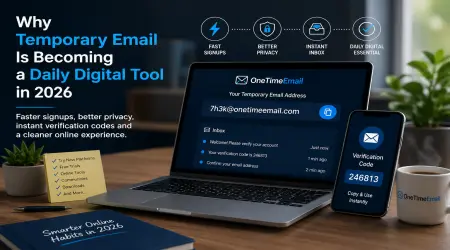
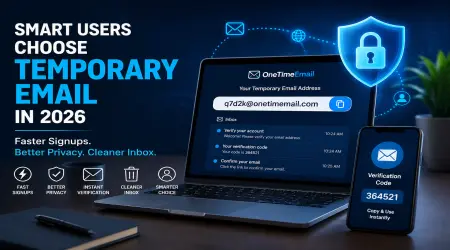
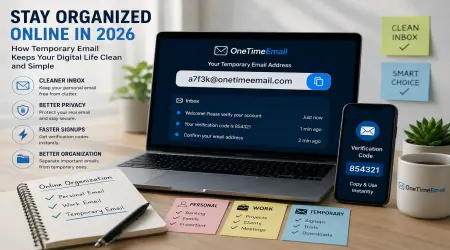
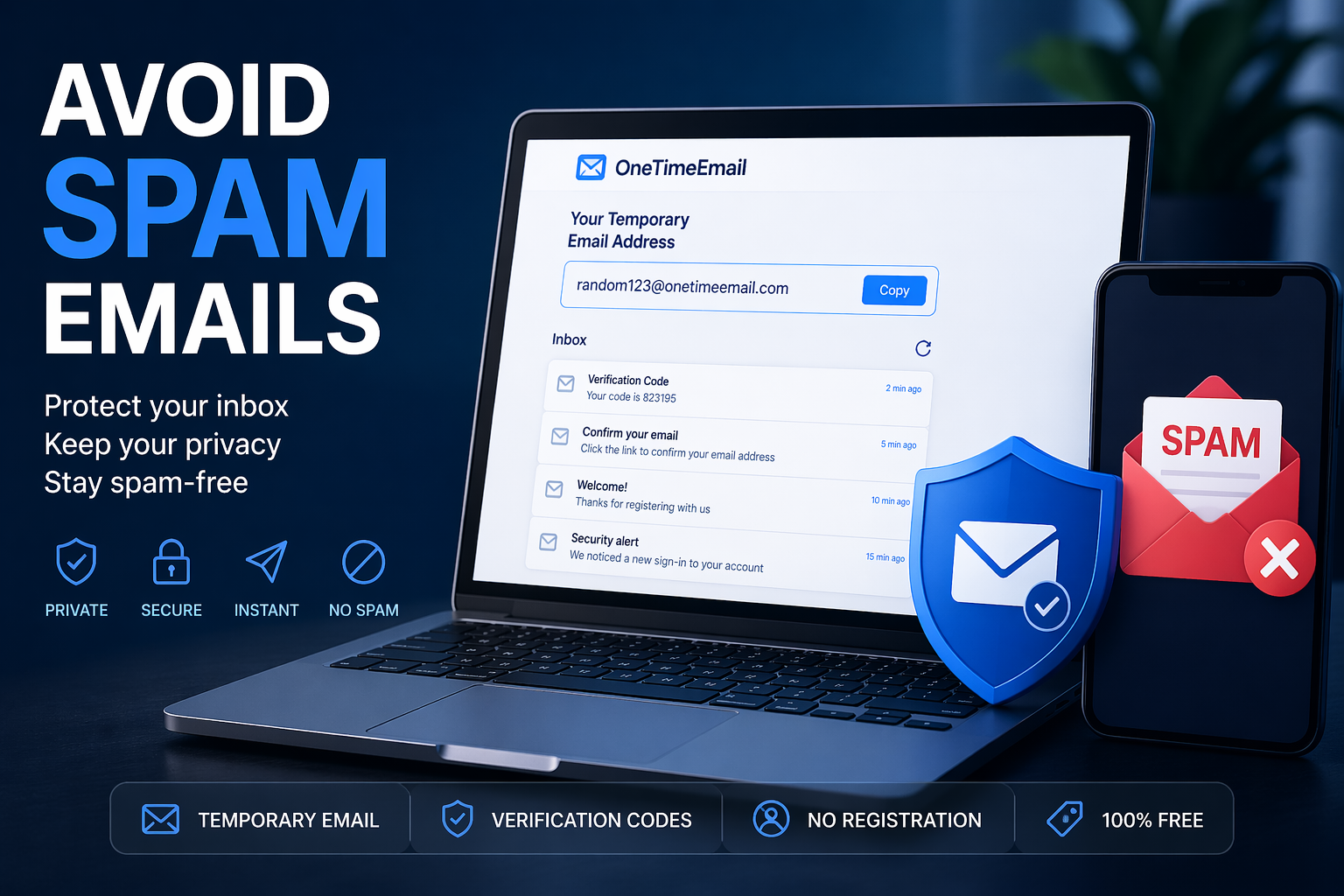
One of the smartest ways to protect your inbox is by using a temporary email address. Instead of giving your personal email to every website, you can use a disposable inbox from OneTimeEmail and keep your real email private.
In this guide, you’ll learn how spam works, why it keeps growing, and how to stop it effectively in 2026.
What Are Spam Emails?
Spam emails are unsolicited messages sent in bulk to many users. They often include:
- Promotional offers
- Fake giveaways
- Scam messages
- Phishing attempts
- Suspicious links
- Unwanted newsletters
Some spam is simply annoying, but other emails may be dangerous and attempt to steal passwords or personal information.
Why Do You Receive So Many Spam Emails?
Many websites ask for your email address when you:
- Create an account
- Download a file
- Join a newsletter
- Claim a coupon
- Start a free trial
Later, they may use your email for marketing or share it with third parties.
That is why many users now choose OneTimeEmail instead of exposing their real inbox.
Best Way to Avoid Spam Emails in 2026
Use a Temporary Email Address
A temporary email gives you an instant disposable inbox that can receive emails without registration.
Instead of using your personal account, simply generate a free temporary inbox with OneTimeEmail.
Benefits include:
- Protect your real inbox
- Avoid newsletters
- Stop promotional spam
- Receive verification emails
- Stay anonymous online
- Save time every day
How to Use OneTimeEmail.com to Stop Spam
Step 1: Visit the Website
Go to OneTimeEmail.
Step 2: Get an Instant Email Address
A ready-to-use inbox is generated automatically.
Step 3: Use It for Signups
Use the address for:
- Websites
- Apps
- Trials
- Downloads
- Forums
Step 4: Receive Emails Safely
Check your inbox instantly for confirmation links or codes.
Other Smart Ways to Reduce Spam
1. Never Click Suspicious Links
Avoid emails asking for urgent payments, passwords, or personal data.
2. Unsubscribe Carefully
Use the unsubscribe button only from trusted senders.
3. Keep Main Email Private
Reserve your personal inbox for important accounts only.
4. Use Different Emails for Different Purposes
Or better yet, use temp mail for temporary needs.
Temporary Email vs Regular Email
| Feature | Temporary Email | Regular Email |
|---|---|---|
| Spam Protection | High | Low |
| Privacy | High | Medium |
| Signup Required | No | Yes |
| Best for Quick Use | Yes | No |
| Long-Term Use | No | Yes |
The smartest strategy is using both depending on the situation.
Why Users Choose OneTimeEmail
Users want tools that are:
- Fast
- Free
- Private
- Easy to use
- Mobile friendly
That is why more people rely on OneTimeEmail in 2026.
Final Thoughts
Spam emails waste time, clutter your inbox, and can create security risks.
The easiest solution is to stop giving your personal email to every website.
Use OneTimeEmail to generate a free temporary email address instantly, protect your privacy, and enjoy a cleaner inbox.
Smart users don’t fight spam after it arrives — they prevent it before it starts.